 Petapator.
Help
Everything you need to use Petapator — the guide, the how-to videos and the sample output — in one place. This page is public: you can read it before you sign up, and come back to it at any time after.
The eleven steps, and what each one releases
Work happens in a run. Each run has eleven steps; some pause to ask you something, and each produces specific documents. The three payments release the documents in stages, as shown. The first three steps are free: the search strategy and the prior-art search results are yours to read before any payment.
| Step | What happens | Documents created | Released by |
|---|---|---|---|
| 1Search strategy | the model plans its prior-art search | Search strategy | Free |
| 2Prior-art search | querying the patent corpus | Prior-art search results | ↳ |
| 3Results prepared | de-duplicated and ranked | Prior-art search results | ↳ |
| 4Your observations | you are shown the prior art found | Prior-art report | USD 19 deposit |
| 5Prior-art report | the search report is written | Prior-art report | ↳ |
| 6Clarifying questions | the model asks about gaps in the disclosure | Clarifying Q&A | ↳ |
| 7Themes and selection | you choose which inventions to develop | Invention themes | ↳ |
| 8Drafting the applications | a specification and two claim sets per chosen theme | Specifications (3) Claim sets (6) Figures Glossaries | USD 149 drafts |
| 9Review and feasibility | technical concerns are raised for you | Feasibility review | ↳ |
| 10Amend the applications | you can ask for changes to each application | Amended drafts | — |
| 11White papers | a white paper per theme | White papers Refined patent application drafts (6) Export | USD 99 final |
Getting started
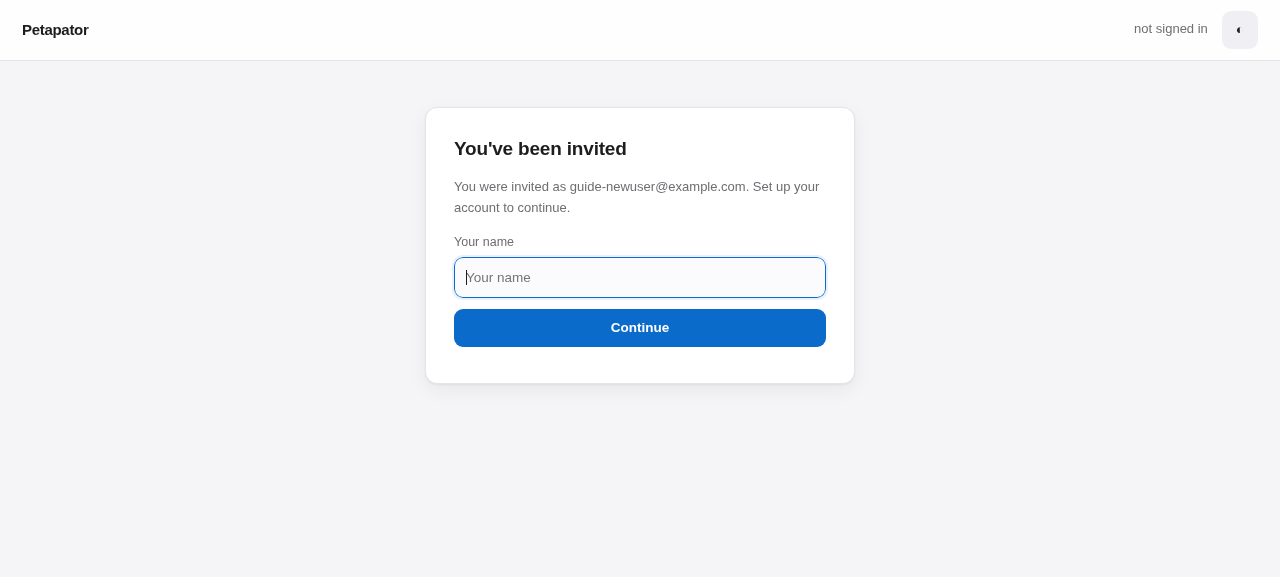
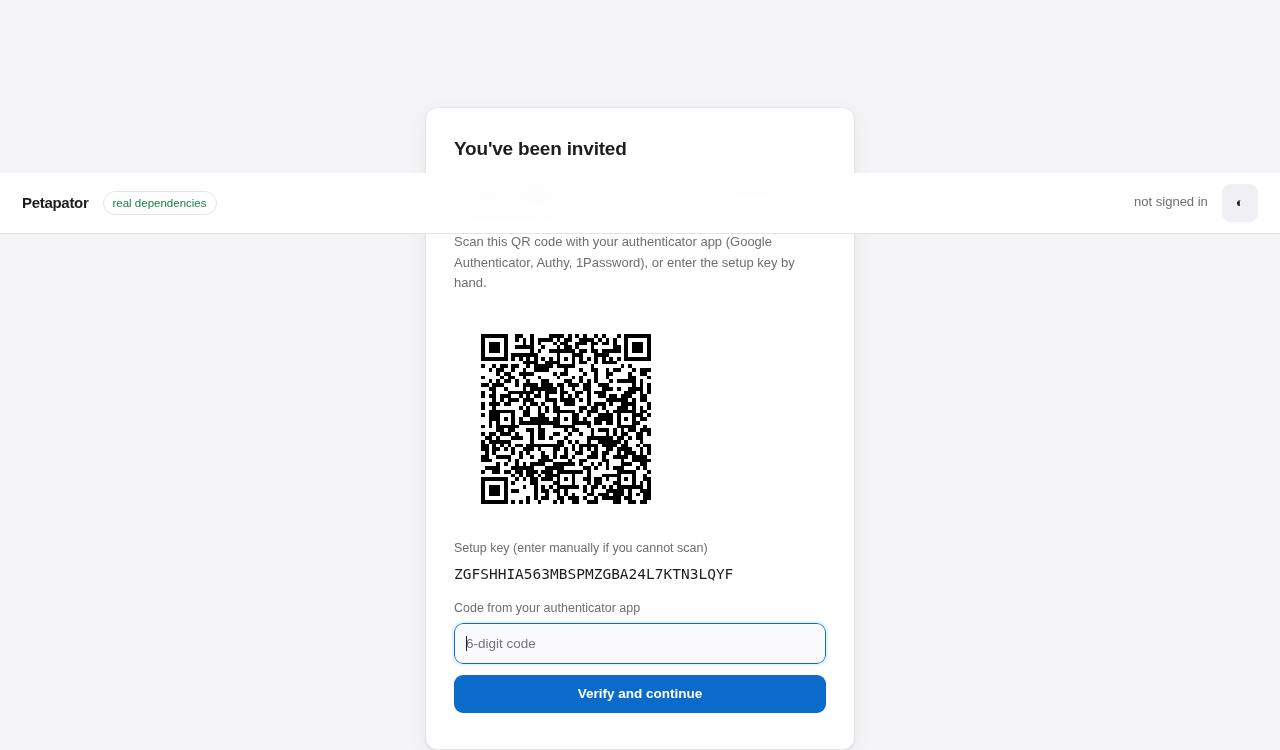
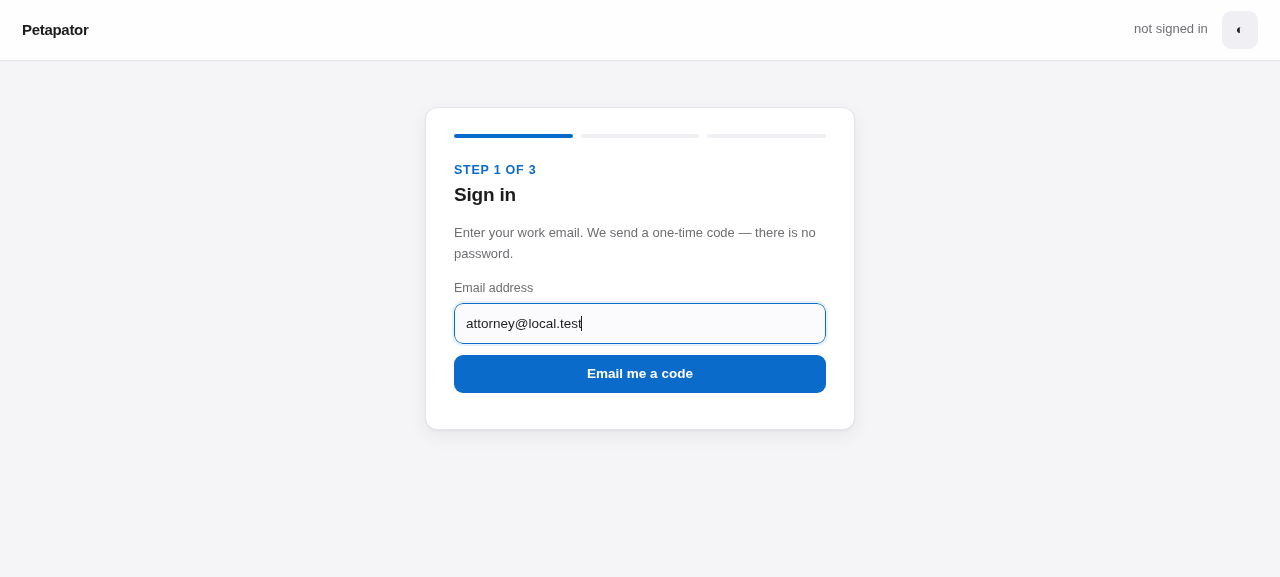
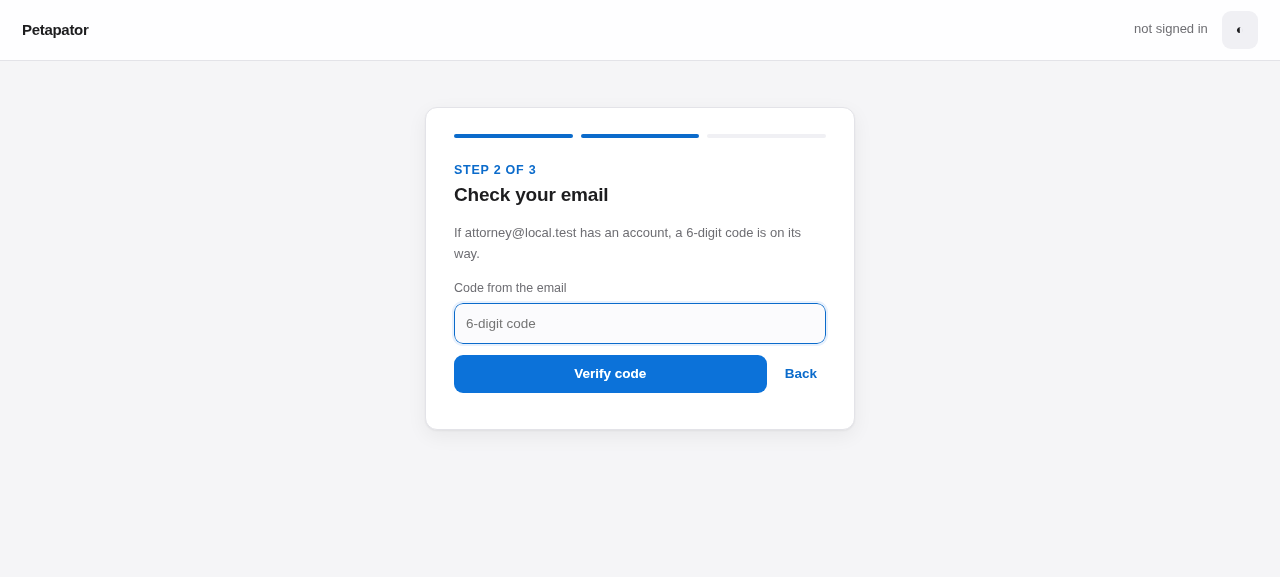
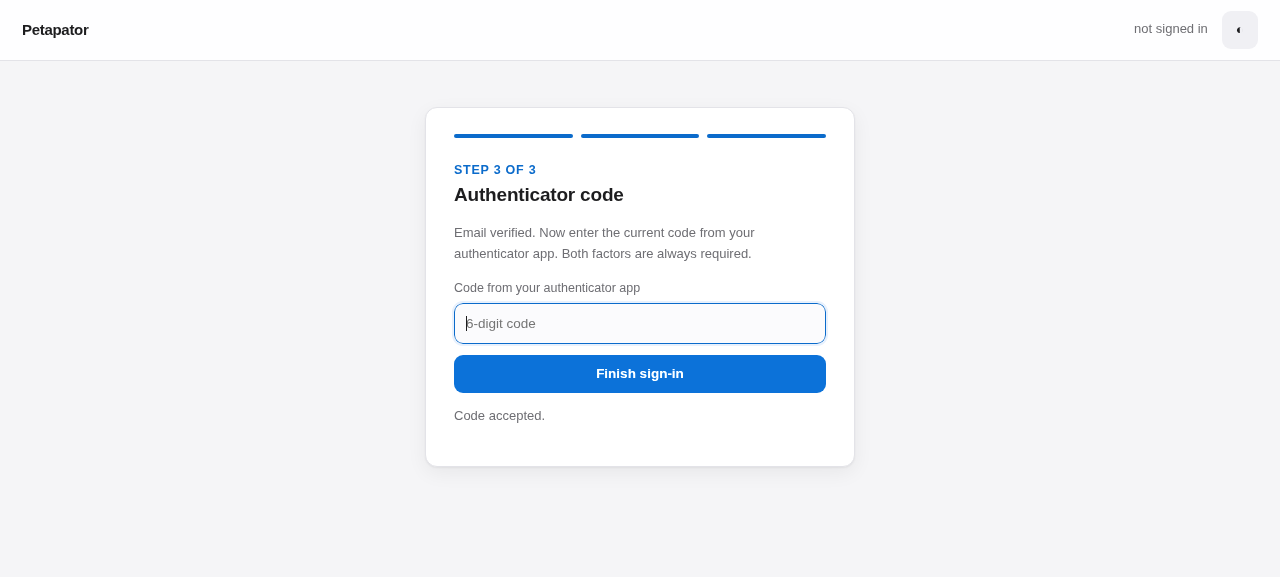
There is no password. The second factor is an authenticator app on your phone. Here is the whole of it:
Read
From signing in to reading your documents: the whole process, step by step, with screenshots.
The complete output of one real project — 30 documents and 17 figures — so you can judge the quality before you sign up.
What Petapator is and is not, how your disclosure is handled, and the terms of use.
Watch
Still stuck? The guide's "When something goes wrong" section covers the common cases, and if your authenticator is lost you can use a backup code or ask the person who invited you to reset it.